

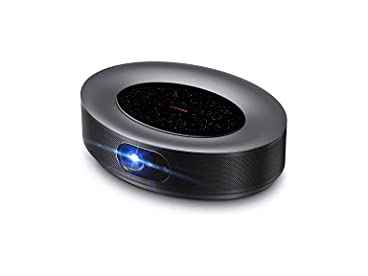




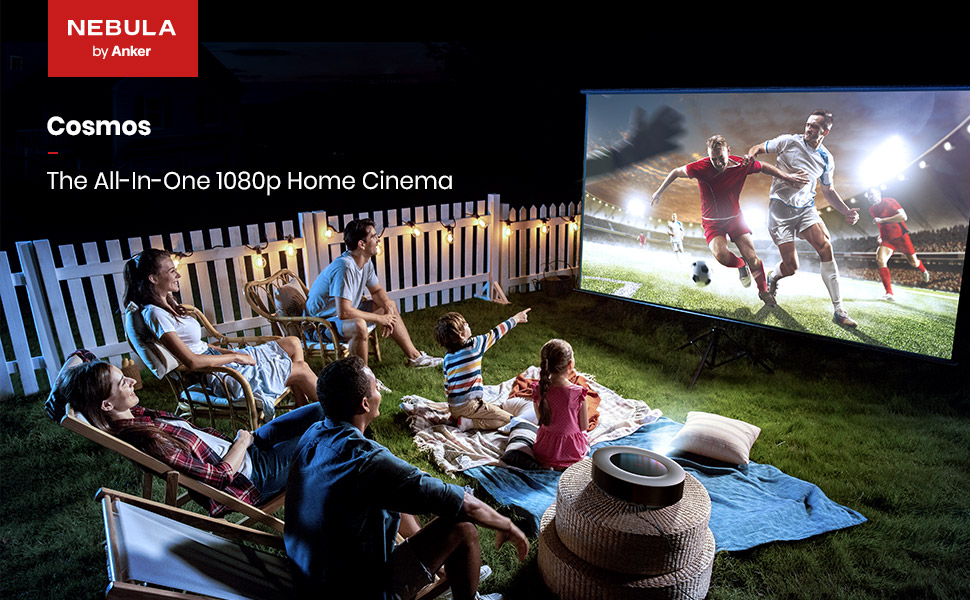
NEBULA 1080p Video Projector, Anker Nebula Cosmos Full HD 1080p Home Entertainment Projector, Outdoor Projector, Android TV 9.0, 4K Supported Projector, Digital Zoom, Auto Focus, HDR10
About this item
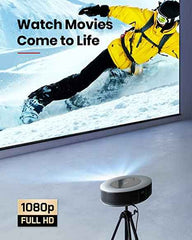
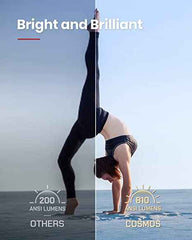
- Blockbuster Picture: The projector’s radiant 1080p (4K supported) image features HDR10 so you can watch your favorite movies, sports events, games, shows, and more in incredible detail and clarity with brighter colors and deeper blacks.
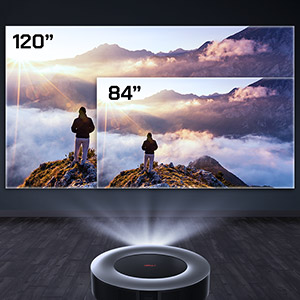
- Supersize Your Movies: Forget tiny 60-inch TVs—Go big with Cosmos’s colossal 120-inch picture for that true cinema scale. And thanks to the digital zoom, can you adjust the image size without getting up and moving the projector.
- Every Detail Matters: Hybrid Log Gamma (HLG) upscales non-HDR content in real time so that everything you watch looks as crisp and clear as possible. And there’s no need to fiddle with settings menus—Cosmos will upscale automatically because the projector is 4K supported.
- Superior Sound: There’s more to movies than the visuals alone. Cosmos packs in a trio of speakers powered by Dolby Digital Plus for 360° of true cinematic sound. From explosive action to hard-hitting dialogue, hear every moment loud and clear.
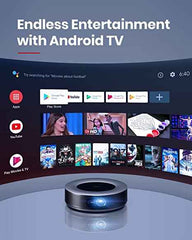
- Packed with Content: Android TV 9.0 is your gateway to a universe of awesome entertainment. Choose from more than 7,000 apps, including Prime Video, YouTube, Hulu, and more. For peak performance, please update to the latest firmware.
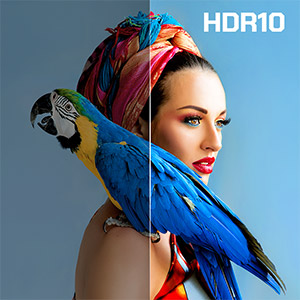
Richer Colors, Deeper Blacks
HDR10 delivers on the director’s vision by ensuring everything you watch is vibrant and rich with color.
Find Your Ideal Size
Adjust the size of the 4K supported projector’s image right from the comfort of your couch with the digital zoom. There’s no need to get up—simply use the remote to find the size that suits your home.
Every Moment Matters
Wave goodbye to motion blur. Dynamic Smoothing keeps everything looking crisp and clear when the on-screen action begins to heat up.

Hear It, Feel It
Feel like you’re at the center of the action with Cosmos’s 360° of sensational cinema audio. Powered by Dolby Digital Plus, the speakers deliver intense surround sound without the need to spend thousands on a costly speaker setup.

Go Big with Chromecast
It’s a waste to watch movies on a tiny phone screen. Use Chromecast to stream content straight from your phone to the 4K supported projector’s huge 120-inch picture.
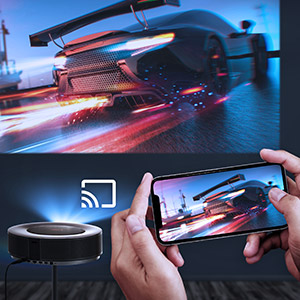
Convenient Connectivity
Get more from Cosmos by connecting up and playing content from your favorite USB-A and HDMI devices. You can even wirelessly connect to Cosmos via Wi-Fi, Bluetooth, or mirror cast from your phone or laptop.

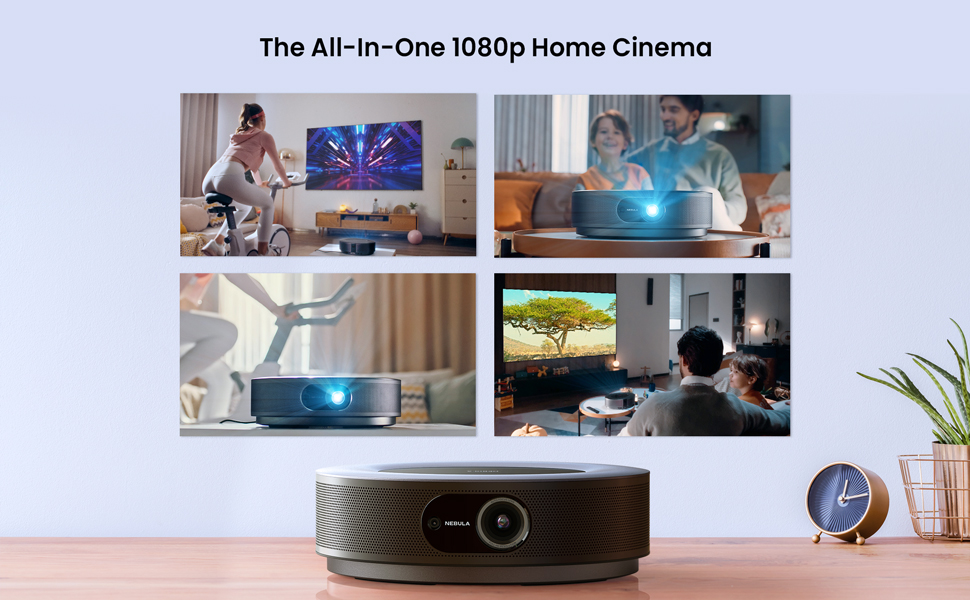
1 .How to install Netflix on Nebula Cosmos?
Install "Nebula Manager" app from Google Play Store and get Netflix installed through "Nebula Manager". It is recommended to install our "Nebula Connect" app on your phone from Google Play Store or Apple App Store and choose the mouse mode to control Netflix.
2.How to connect Nebula Cosmos with an iPhone, iPad or MacBook?
Install "AirScreen" app from Google Play Store and then connect both Nebula Cosmos and also your IOS device to the same WiFi network.
3.How to play movies from a USB flash drive?
Install a file management app (e.g. File Explorer, File Manager) and a video player from Google Play Store, then you can play movies stored on your USB flash drive.
4.Does Nebula Cosmos support auto keystone correction?
Nebula Cosmos supports Auto (Vertical ±40°) and Manual (Horizontal ±40°) keystone correction. If the projected image is tilted, please turn off auto keystone correction via "Settings>Projector Settings>Keystone Correction" and then adjust manually both vertical and horizontal keystone correction to make it straight.
5.How to trigger autofocus on Nebula Cosmos?
Please slightly move the device or press the "focus" button on the remote to trigger autofocus
- Choosing a selection results in a full page refresh.