Free delivery on orders over 100 JOD
Sat–Thu 10am–9pm | Fri 5pm–10pm


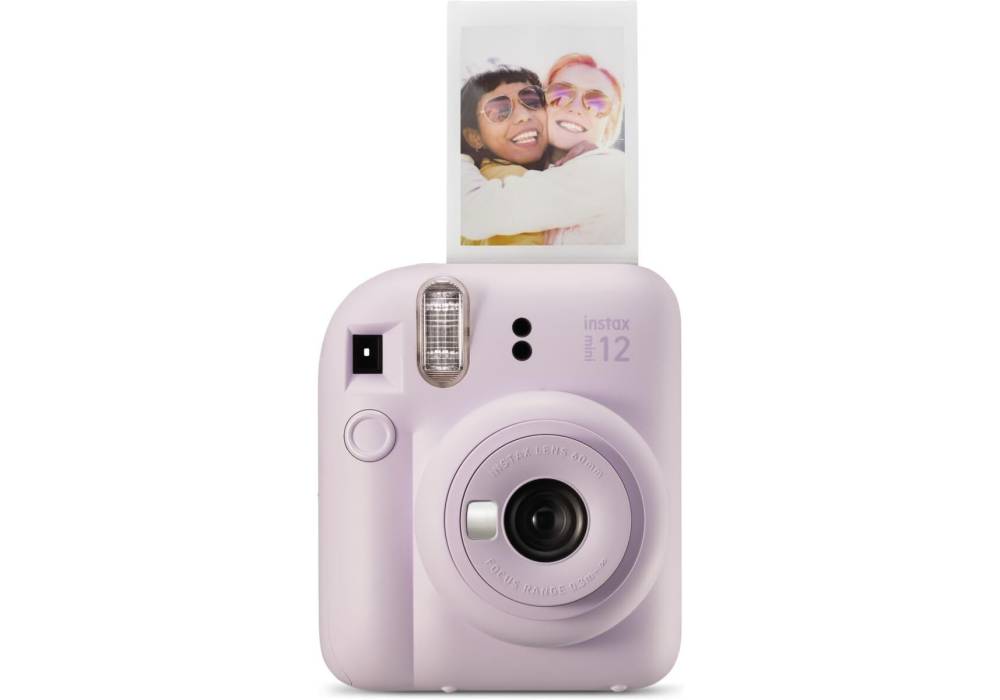


INSTAX MINI 12 Instant Camera
Fully loaded with easy-to-use modes and controls, the super-playful INSTAX MINI 12 instant camera is bursting with joy, creativity and color.
SUPER SELFIES
Built-in Selfie Mirror & Close-up Mode
Selfies. It’s what the INSTAX MINI 12 instant camera was born to do. With a perfectly positioned selfie mirror, Close-up mode, automatic flash control and the ability to produce INSTAX MINI instant photos, the INSTAX MINI 12 camera is much more than just a pretty face. It’s a selfie extraordinaire.


EASY TO USE
Twist & Go
The INSTAX MINI 12 instant camera is designed to keep up with life, wherever your adventures may take you. Which is why this camera has super simple controls for easy use. Twist the lens to turn on. Twist further to use Close-up mode. Twist to turn off. That’s it, lesson over.
ICONIC DESIGN
Style that pops
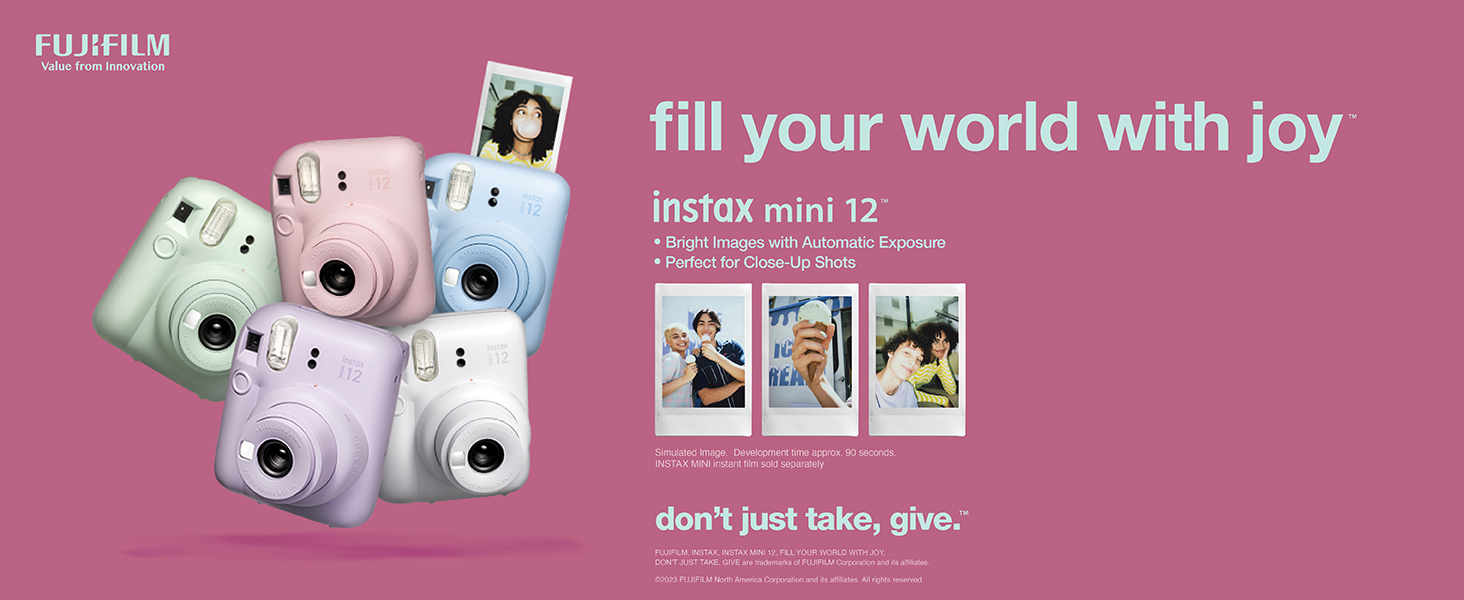
The INSTAX MINI 12 instant camera has an “inflated” look along with an iconic design which makes this camera playful and fun to use! And with five colors to choose from – Pastel Blue, Mint Green, Blossom Pink, Lilac Purple and Clay White – our color-ometer is ready to burst.


AUTOMATIC EXPOSURE
Ready to go
Take it easy. The INSTAX MINI 12 instant camera features automatic exposure and flash control, so you can simply aim and click. No need to adjust any settings, or to remember to turn the flash on; just simply fun INSTAX MINI instant photos every time.
INSTAX UP! App
Scan. Collect. Share.
Just when you thought INSTAX products couldn’t get any more captivating, we give you the power of the INSTAX UP! App. A new way to keep all your INSTAX photos digitally, in one place. Simply scan your physical INSTAX photos with your Smartphone to turn them into sharable, digital photos that you can edit, tag and save.

- Choosing a selection results in a full page refresh.