

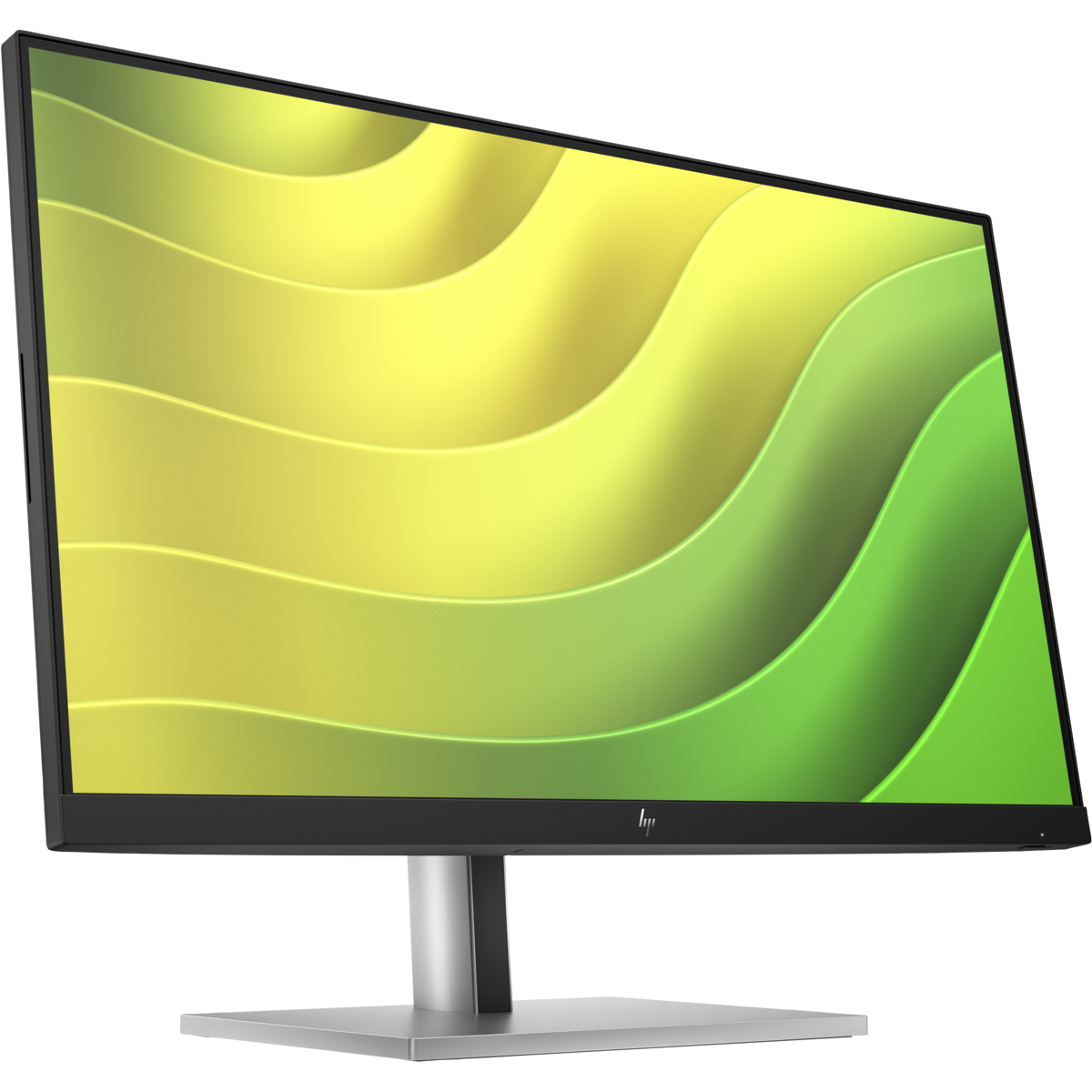


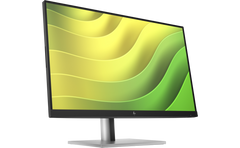


A monitor that increases produ ivity with high resolution

World's first, constantly reducing blue light with high color reproducibility
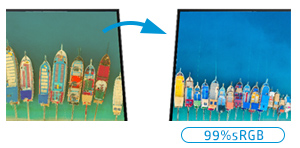
Sele low blue light for warmer colors
Reduces blue light without changing color reprodu ion

Supports ergonomics and
contributes to maintaining health
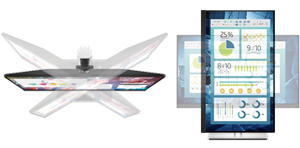
height adjustment
Vertical angle adjustment
Left/right angle adjustment
horizontal vertical rotation

Fun ionally and beautifully installed to
effe ively utilize space
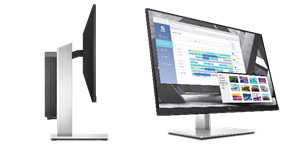
By using the B300 cloak bracket (optional), you can attach the HP ultra-compa Desktop Mini to the back of the monitor, freeing up space around your desk.
High resolution contributes to improved produ ivity
Adopts a 23.8-inch QHD wide IPS panel with a maximum resolution of 2,560 x 1,440.
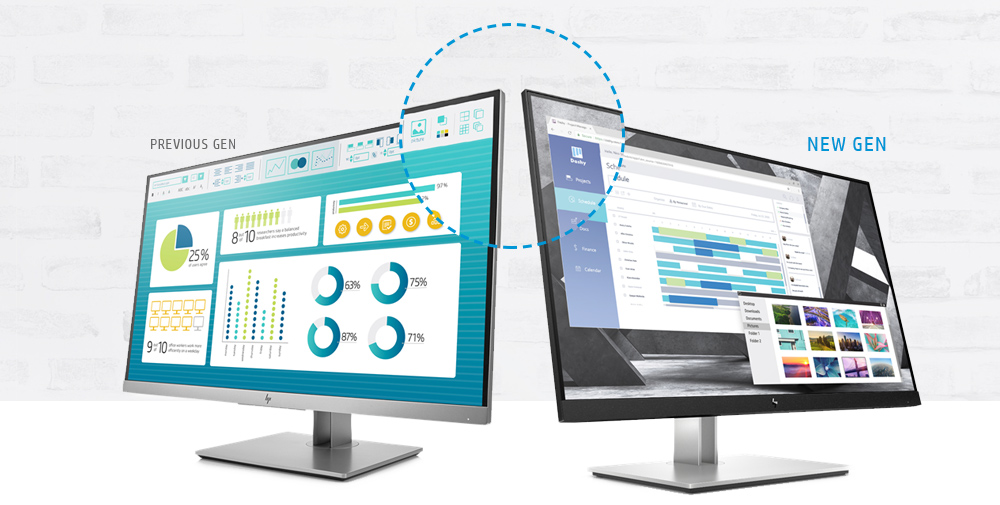
It has been completely redesigned with an innovative and stylish design. Narrow bezels on three sides enable seamless screen display when using multiple displays.
The wide viewing angle of 178° horizontally (left and right) and 178° vertically (up and down), which is unique to an IPS panel, has little chromaticity shift, which causes the hue to change depending on the viewing angle, and allows clear display from a wide range of angles.
Equipped with VGA, DisplayPort, and HDMI ports as standard, allowing conne ion with a variety of devices.
Produ design that allows you to use it for long periods of time without getting tired
Equipped with HP Eye Ease as standard, it reduces blue light from the moment you turn on the monitor.
The large 23.8-inch work area allows you to display more data at the same time, allowing you to work quickly and smoothly while opening multiple windows.
Thanks to the detailed position adjustment fun ion, the tilt can be adjusted up and down from 25° to -5°, the swivel can be adjusted from 45° to right and left to -45°, and the height can be adjusted by 150mm, so you can set the optimal position according to your physique and posture. Is possible. Even when facing a display monitor for long periods of time, the strain on your body is reduced and produ ivity is improved.
Furthermore, new flicker-free and blue light redu ion fun ions have been added to further reduce eye strain and fatigue on users.
It also supports 90° pivot rotation.
Peace of mind warranty details
The EliteDisplay series comes with a standard three-year on-site support and parts warranty, with service personnel visiting from service locations throughout Japan to repair the produ .
Additionally, we have the option to extend the warranty for up to five years to match the lifecycle of your IT assets.
35% thinner bezel Black and tight ID
Environmental Initiatives

- 100% recyclable packaging
- Styrofoam is not used
- 85% recycled material
- ENERGY STAR® certified
- EPEAT® 2019 ed6

Abundant ports
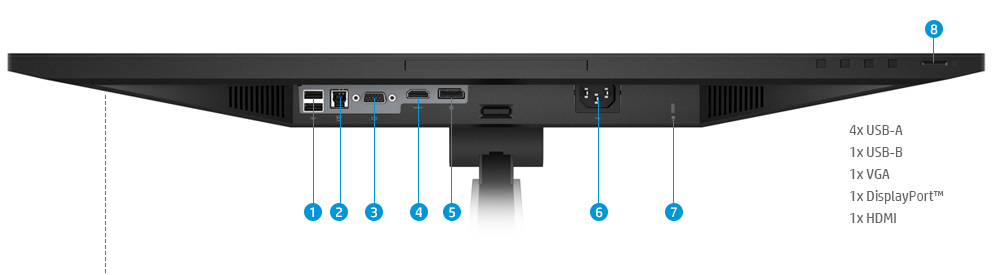
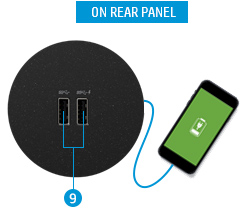
In addition to using headsets and cameras, the four USB A ports can also be used to charge smartphones.
- USB-A
- USB-B
- VGA
- HDMI
- DisplayPort
- POWER
- LOCK SLOT
- Power button
- USB-A
Compatible with HP Display Center
HP Display Center is a free software that allows you to configure your HP monitor intuitively from the application.
The software can be downloaded and used from the Microsoft App Store. *Please search on HP Display Center.
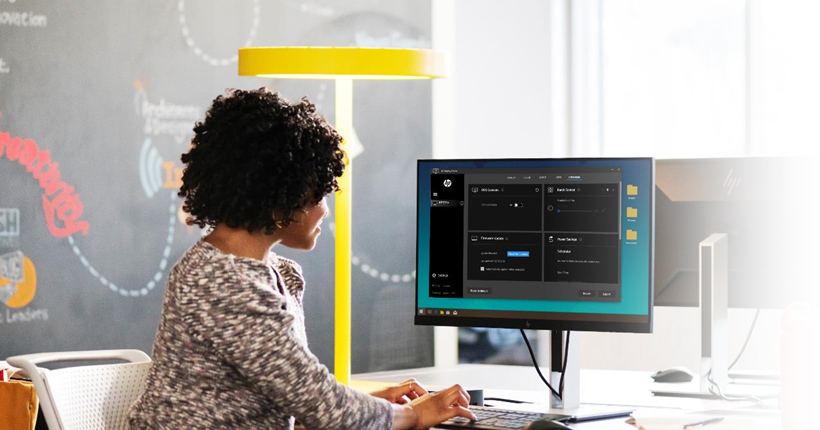
Easy setup with HP DISPLAY CENTER
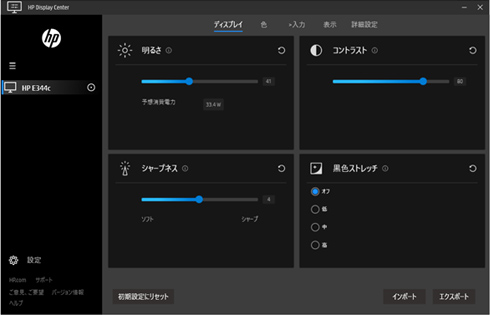
You can easily adjust brightness and contrast. As you adjust the brightness, the expe ed power consumption will also be displayed. *The capture on the left is the settings screen when an HP E344c curved monitor is conne ed.
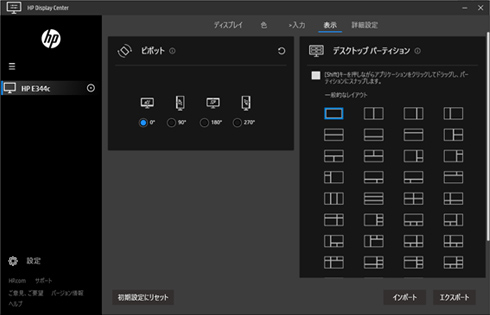
You can easily display the display vertically or split the screen in various ways. Once you set the screen split, you can easily fit the app to your desired position by dragging and dropping.
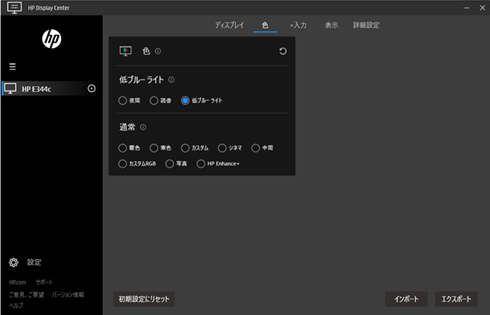
You can easily adjust brightness and contrast. As you adjust the brightness, the expe ed power consumption will also be displayed. *The capture on the left is the settings screen when an HP E344c curved monitor is conne ed.
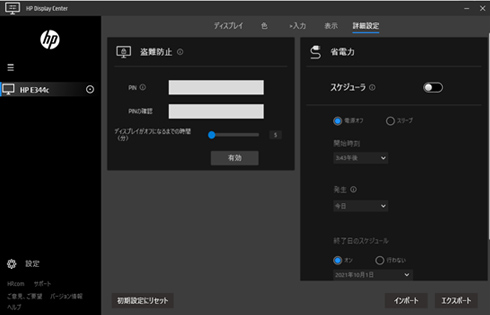
You can easily display the display vertically or split the screen in various ways. Once you set the screen split, you can easily fit the app to your desired position by dragging and dropping.
- Choosing a selection results in a full page refresh.