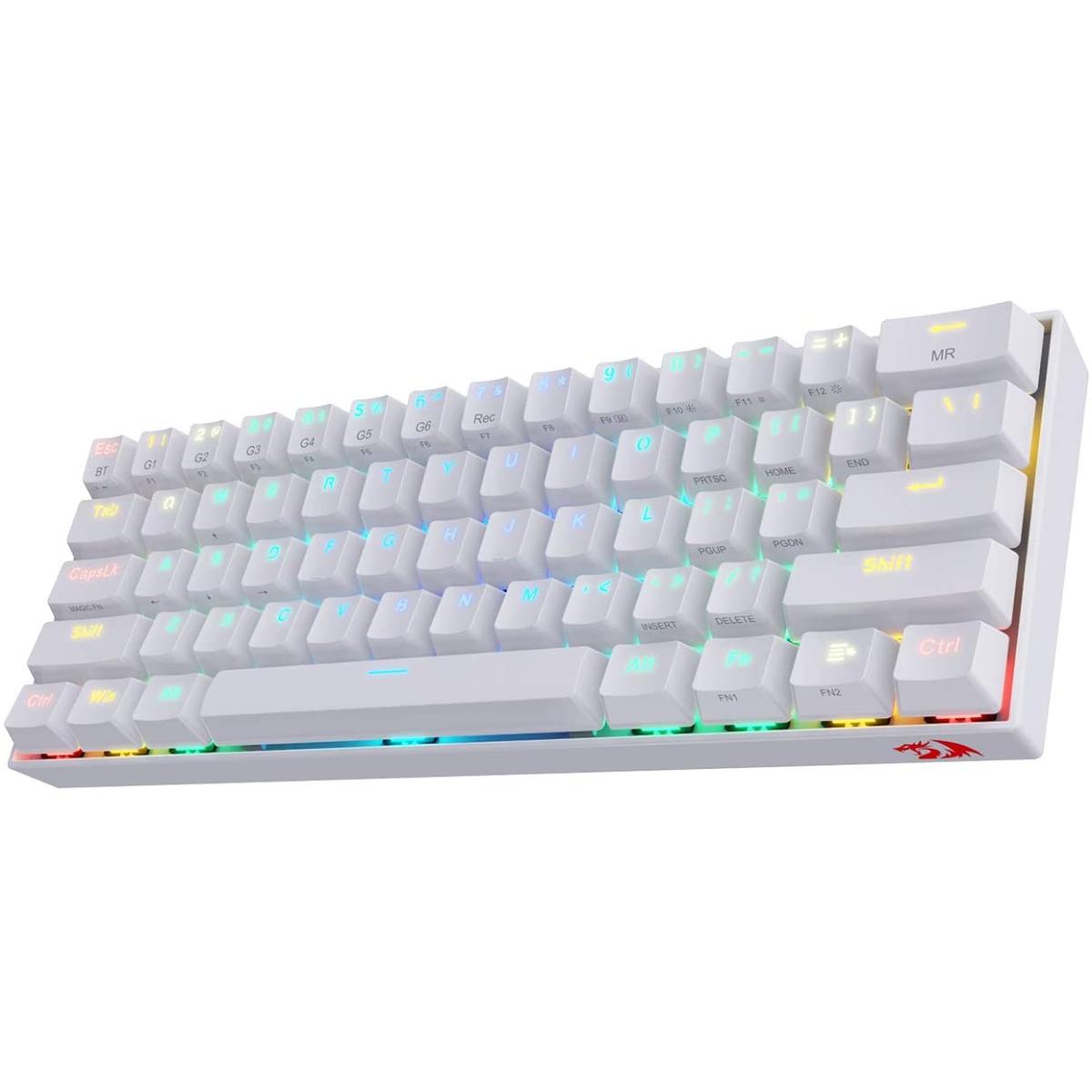
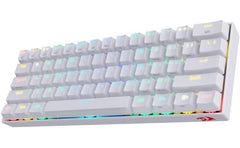
The invisible blade is the deadliest Meet the first generation of Redragon wireless keyboard designed for users who demand precise and professional performance for gaming and typing. Pro keyboard with Pro controller Download it and use it to have a different user experience, endless typing and backlighting await you: the show-maker. Functional magic side print. Clear, concise, easy-to-read characters suit all multi-function key needs, compa with functional use. Do you need more help? Question: Can't conne K530 to device (BT4.0 and above) in BT1 mode. Answer: Make sure the switch of BT1 is on with red flashing light, long press FN2 + ESC until the keyboard backlight flashes one time quickly. You can then find "Dracomic-1" in your Bluetooth device list, click on it and pair. Question: How does the MAGIC FN (CapsLK) key work? Answer: MAGIC FN key can only be used and programmed with software to FN1 or FN2. For example, set the macro FN1 on the MAGIC FN key to use the ← ↑ → ↓ keys with one hand by pressing CapsLK + WASD. Question: How to do keybinding or macro without software? Answer: Yes, 6 keys (G1-G6) can be macro on board (64 keys at most). For example, set 000 to G1: press FN2 + 7 (Rec) → press FN2 + G1 → press 000 → press FN2 + 7 (Rec) to store the key binding and exit macro mode. Question: Does it support multimedia function keys like brightness and volume adjustment on Mac? Answer: Sorry that K530 does not support Mac functional combination keys currently. Your Name Your Review Note: HTML is not translated! Rating Bad Good Continue
Can this wireless gaming keyboard be used with a desktop PC without Bluetooth?
Yes, when using the listed 2.4 GHz wireless, USB wired mode that does not rely only on Bluetooth. The listed layout detail is 61 Keys.
Can this keyboard also be used in wired mode?
The listed connectivity includes 2.4 GHz wireless, USB wired, so use the wired mode only as specified by the product.